/tempvoice
Set up temporary voice rooms.
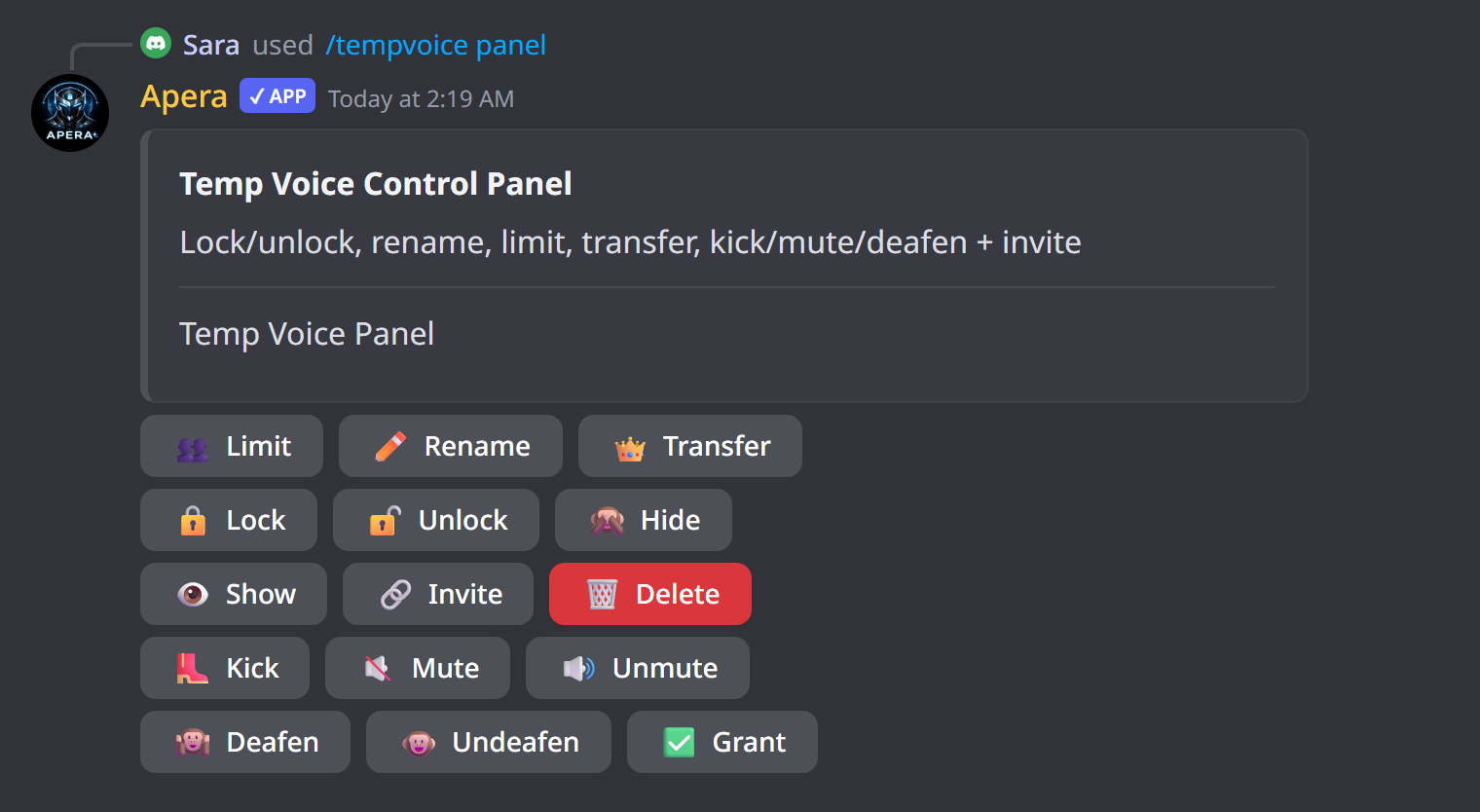
“setup” picks the join-to-create voice channel, the text channel for the control panel, and optionally a category and an admin role. “panel” posts the control panel with buttons to lock, hide, rename, limit, invite, kick and transfer. The Temp voice page lets you choose the buttons and their emojis.
Subcommands
/tempvoice setup
Setup temp voice
/tempvoice setup create_channel:<create_channel> panel_channel:<panel_channel> [category] [admin_role]| Option | Type | What it does |
|---|---|---|
create_channel required | channel | Join-to-create voice channel |
panel_channel required | channel | Panel text channel |
category | channel | Category for temp channels |
admin_role | role | Temp admin role |
/tempvoice panel
Send temp voice control panel
/tempvoice panelExamples
/tempvoice setup create_channel:🔊 Join to create panel_channel:#voice-panelSet it up
/tempvoice panelPost the panel again
Good to know
- Administrators only.