
Self roles & verification
Panels of buttons members click to get roles, and a Verify button for new members.
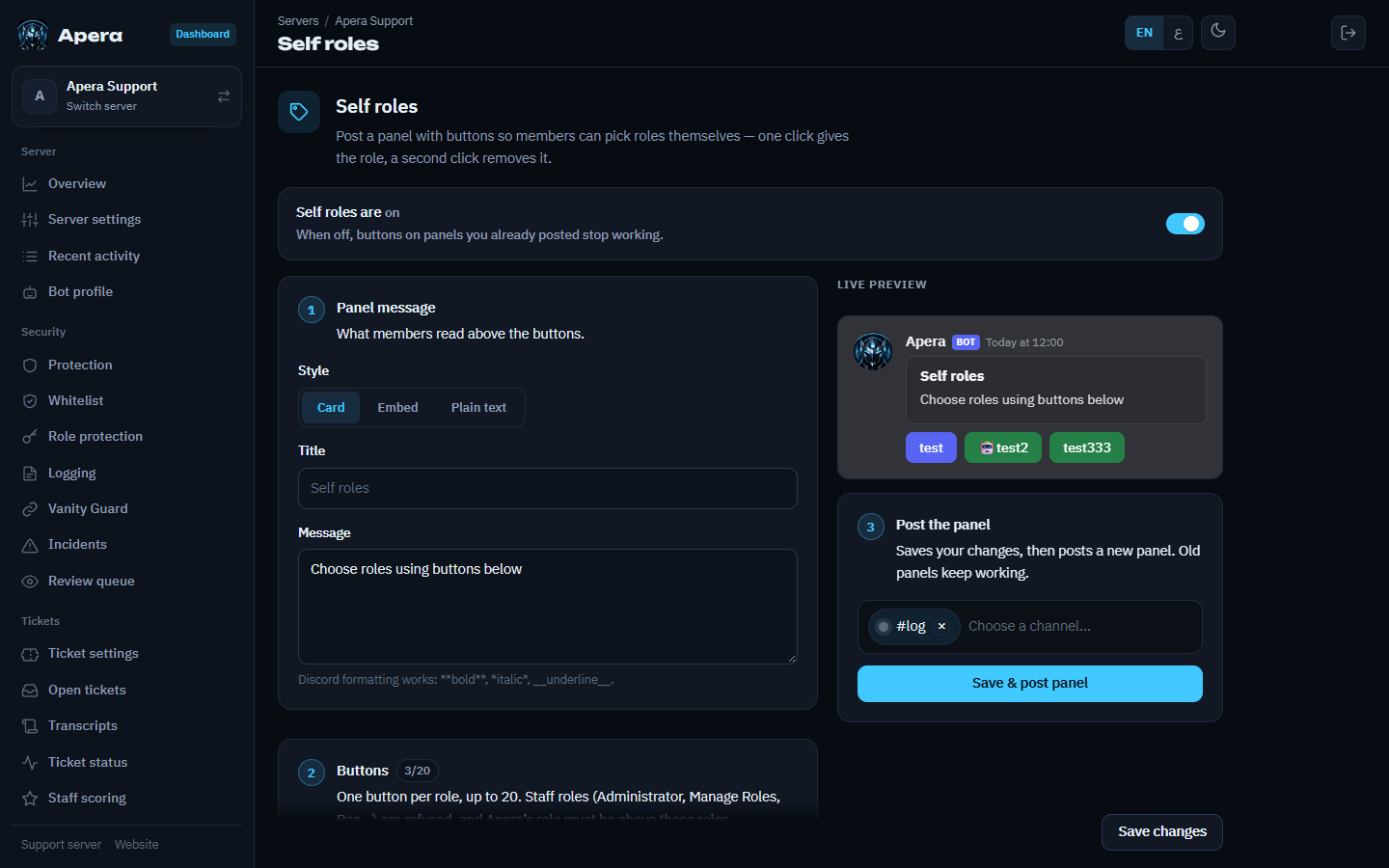
Make a role panel
- Dashboard → Self roles.
- Write the panel message (it shows above the buttons).
- Add a button per role: pick the role, a label, an emoji and a color.
- Pick the channel and press Send panel. Editing later updates the same message.
Clicking toggles the role and replies privately. Roles with staff permissions can never be put on a panel. Members can also use /selfrole.
Verification
Run /panel and open Verification: turn it on and choose the channel and the role verified members get. Apera posts a Verify button; new members only see the rest of the server after pressing it.
Still have a question about this?