
Using the dashboard
Where everything is on apera.site, and who can open it.
Who can open it
Anyone with Manage Server or Administrator in a server sees that server in the list after logging in with Discord. Changes save to Apera immediately — no restart needed.
The pages
- Server: Overview, Recent activity, Bot profile (Apera’s name and picture in your server).
- Security: Protection, Whitelist, Role protection, Logging, Vanity Guard, Incidents, Review queue.
- Tickets: Ticket settings, Open tickets, Transcripts, Ticket status, Staff scoring, Staff leaderboard.
- Community: Welcome, Auto responder, Custom messages, Notifications, Self roles, Temp voice, Statistics channels.
- Tools: Admin and public commands, Channel manager, Webhook manager, All systems.
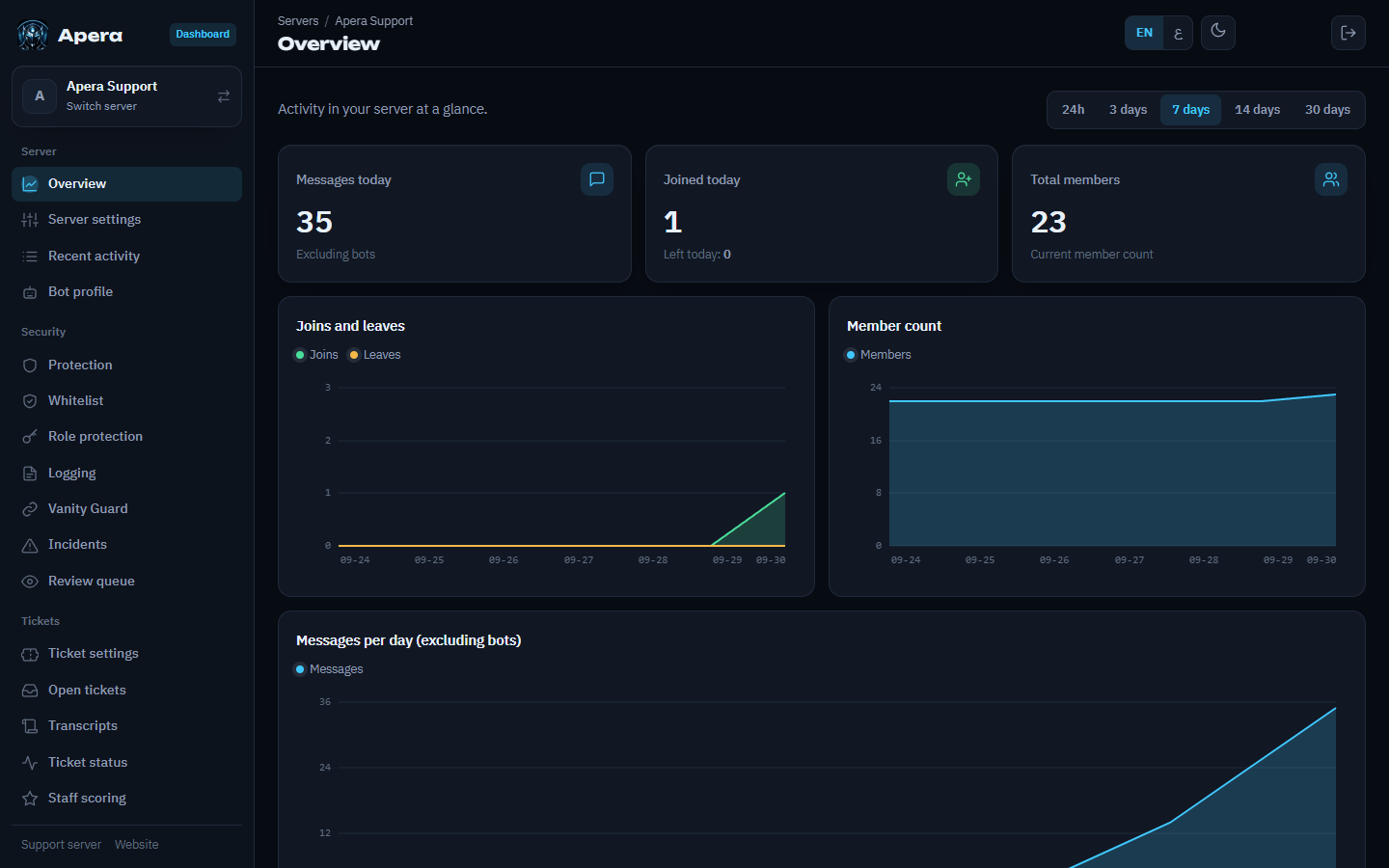
English or Arabic
Use the EN / ع switch at the top of any page. It changes the dashboard’s language only; Apera’s language in Discord is set with /language.
Still have a question about this?