
Auto responder
Automatic replies when someone says a word or phrase.
Add a reply
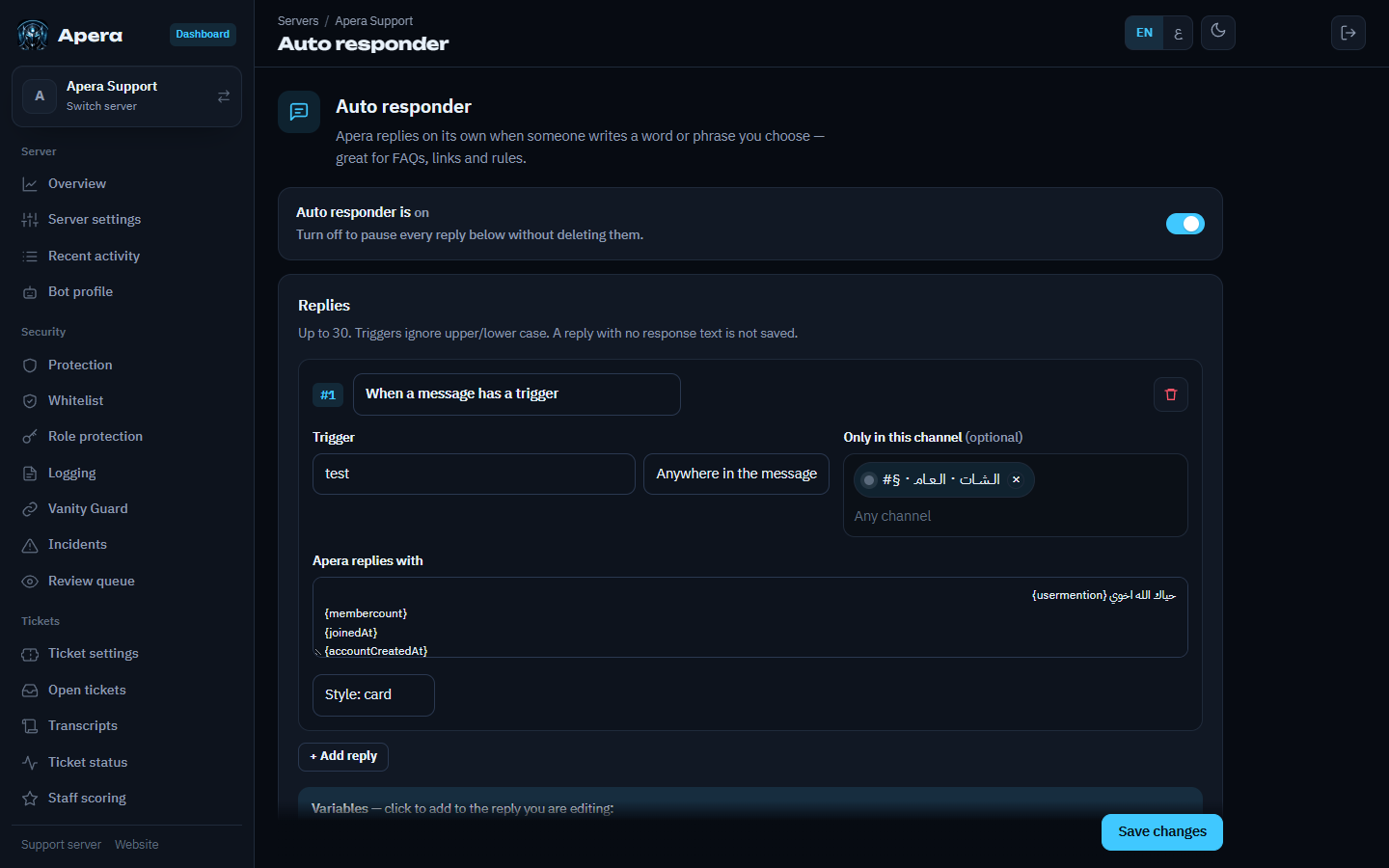
- Dashboard → Auto responder → Add.
- Choose When a message has a trigger (then type the trigger and pick Anywhere in the message or Whole message only) or Every message in a channel.
- Write the reply — text or a card with an image. Variables:
{user},{username},{userid},{guild},{membercount}. - Optionally limit it to some channels or roles, then Save.
Still have a question about this?