
Logging
Every change in your server, in the channel you choose — always showing who did it.
Turn it on
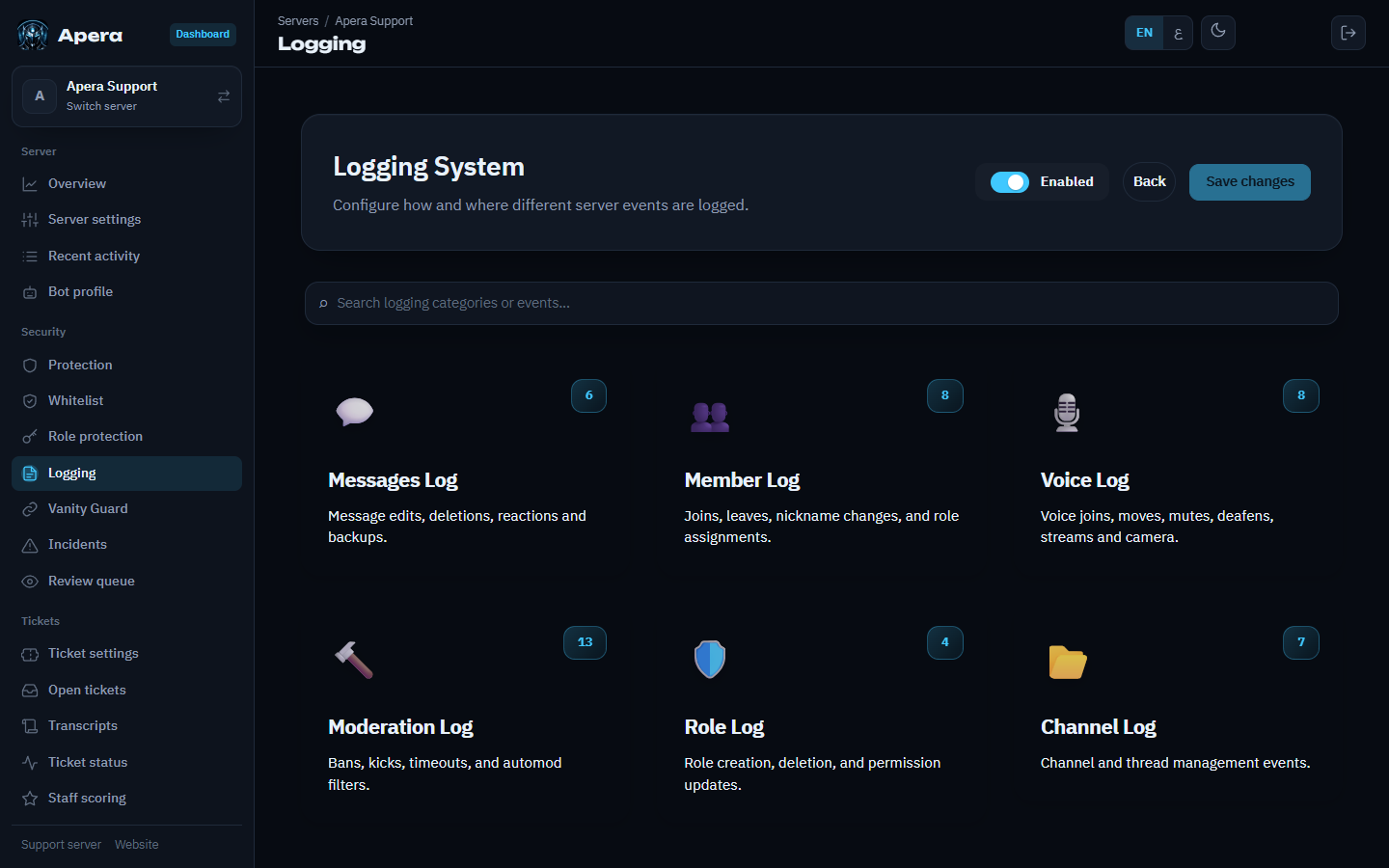
- Dashboard → Logging.
- Pick a main log channel for each group (messages, members, server, moderation, voice).
- Optionally send single events to their own channel (for example voice moves to #voice-log).
- Save.
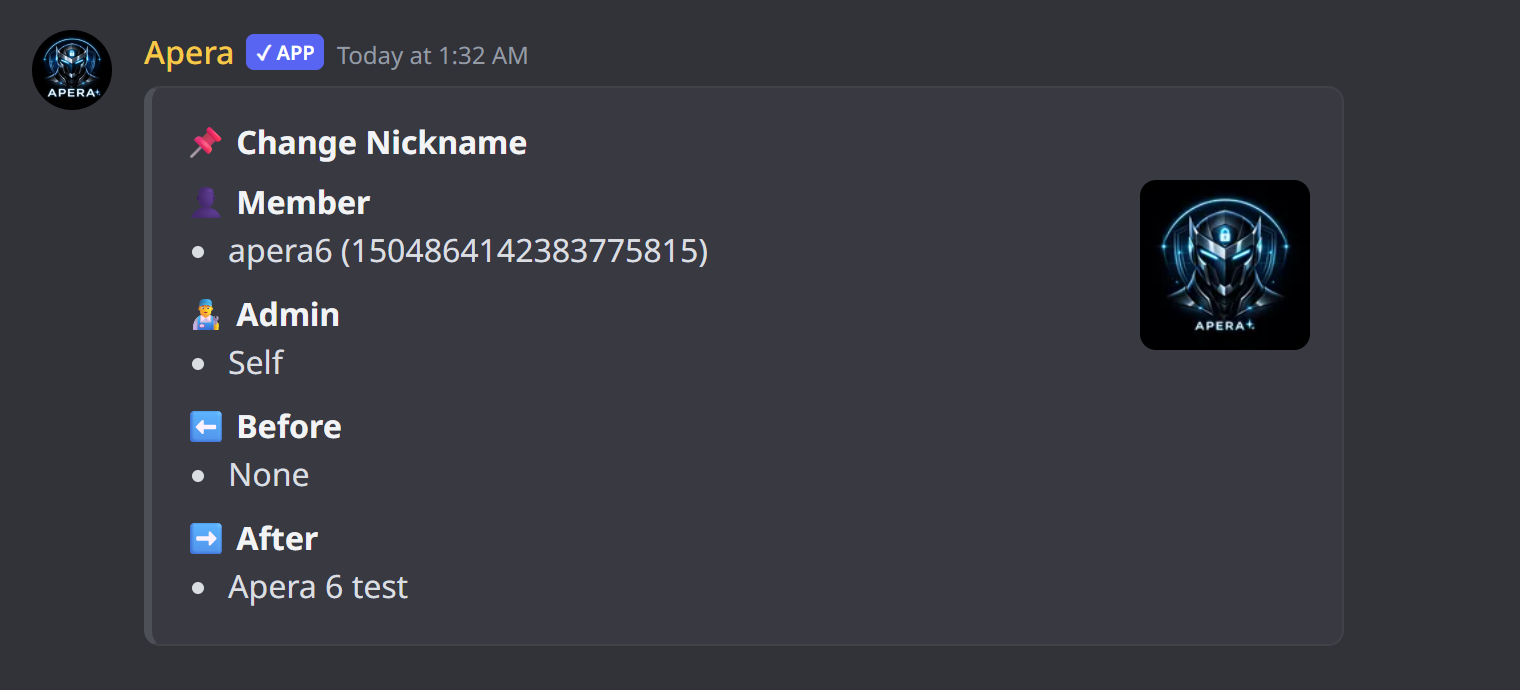
Logs include deleted and edited messages (deleted images are re-uploaded), bulk deletes with a transcript, joins with how they joined (which invite, the vanity link, a bot added by…), role and nickname changes, voice joins, moves and disconnects, bans, timeouts, and channel, role, emoji and server changes.
“Who did it”
Apera reads Discord’s audit log to name the admin behind each change. When Discord has no record, the card says where the change came from instead of “Unknown”: Onboarding, Server Boost, an integration, AutoMod, or the member themselves. If it says “give Apera View Audit Log”, that permission is missing.
Still have a question about this?