
Temporary voice rooms
Join one channel to get your own voice room, then control it with buttons.
Set it up
- Create a voice channel like “➕ Join to create”.
- Run
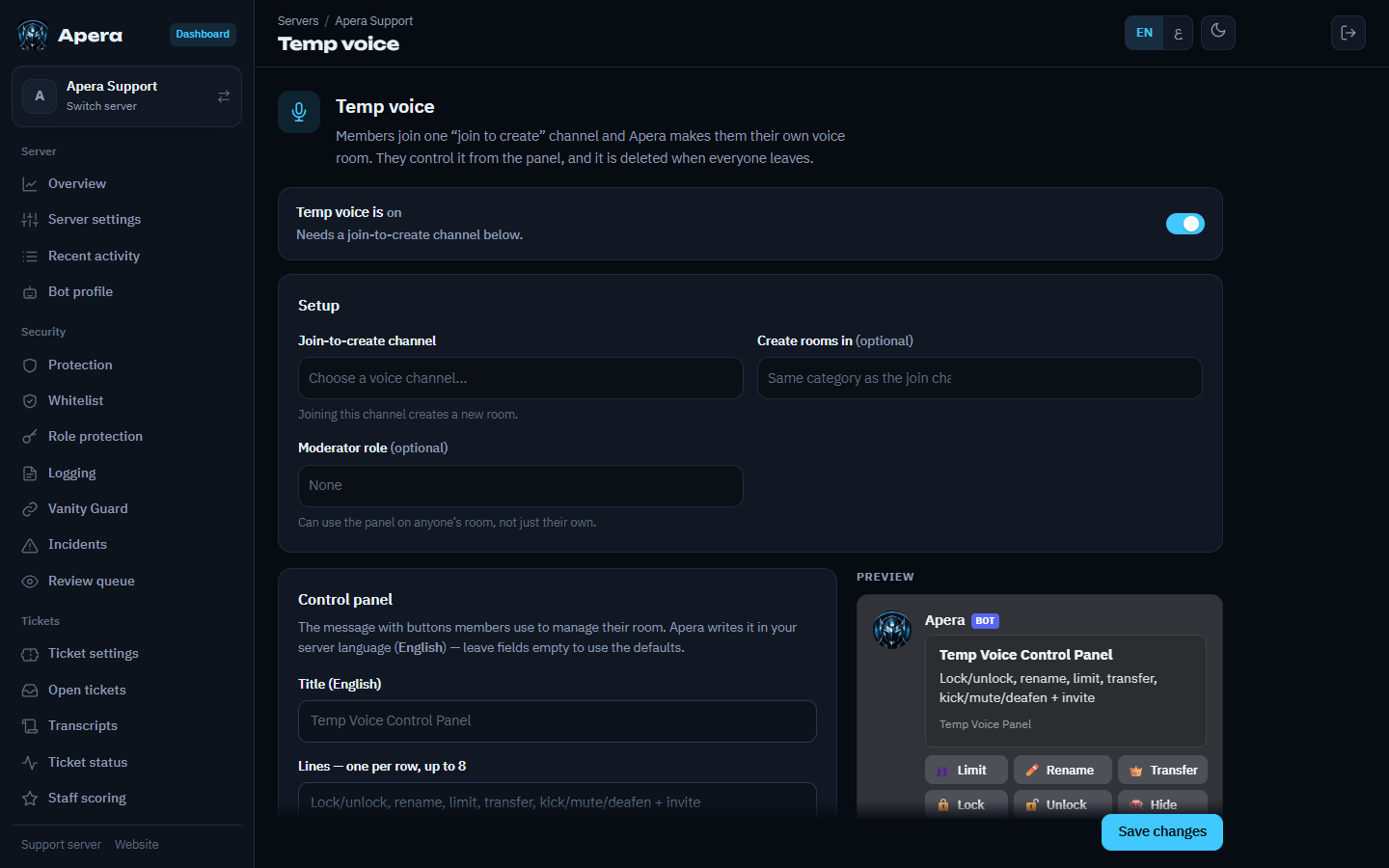
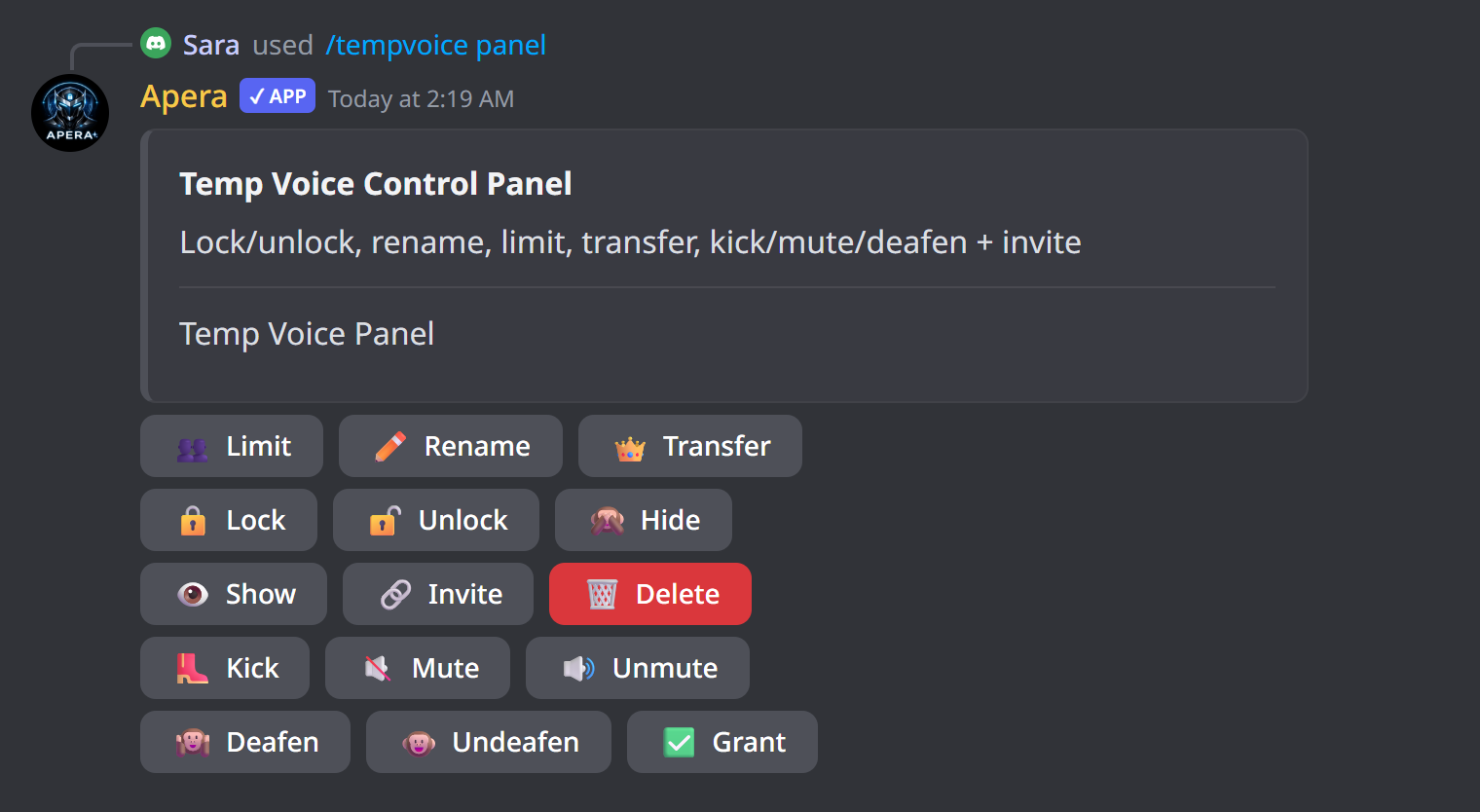
/tempvoice setup create_channel:… panel_channel:#voice-panelor use the Temp voice page. - Choose which buttons the panel has and their emojis (defaults are shown), then send the panel.
The room owner can lock, hide, rename, set a user limit, invite, kick, mute and transfer ownership. Empty rooms are deleted automatically.
Still have a question about this?