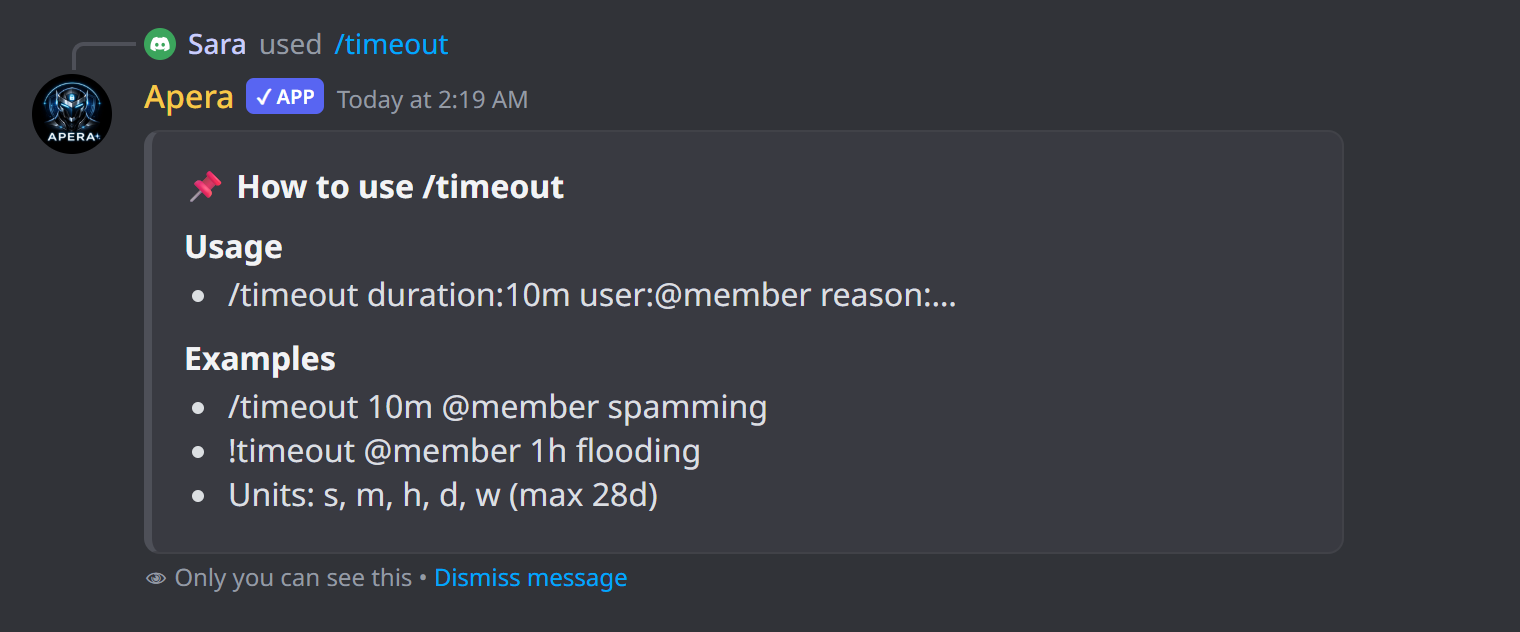
/timeout
Timeout a member for a while — they can’t chat, react or talk.
Uses Discord’s built-in timeout, so it ends by itself. Durations look like 10m, 2h, 1d or 1w, up to 28 days. The member gets a DM with the reason and the end time. Administrators and the server owner can’t be timed out — that’s a Discord rule.
How to use it
/timeout duration:<duration> [user] [user_id] [reason]| Option | Type | What it does |
|---|---|---|
duration required | text | How long: 10m, 2h, 1d, 1w (max 28d) |
user | member | Member to timeout |
user_id | text | Or their user ID |
reason | text | Reason (shown in the audit log and sent to the member) |
Examples
/timeout duration:10m user:@Sam reason:Cool downTen-minute timeout
!timeout @Sam 2h SpammingPrefix version
Good to know
- Needs Moderate Members.
- End it early with /untimeout.