
Custom messages & commands
Your own !commands and ready-made cards with images, buttons and a footer.
Make one
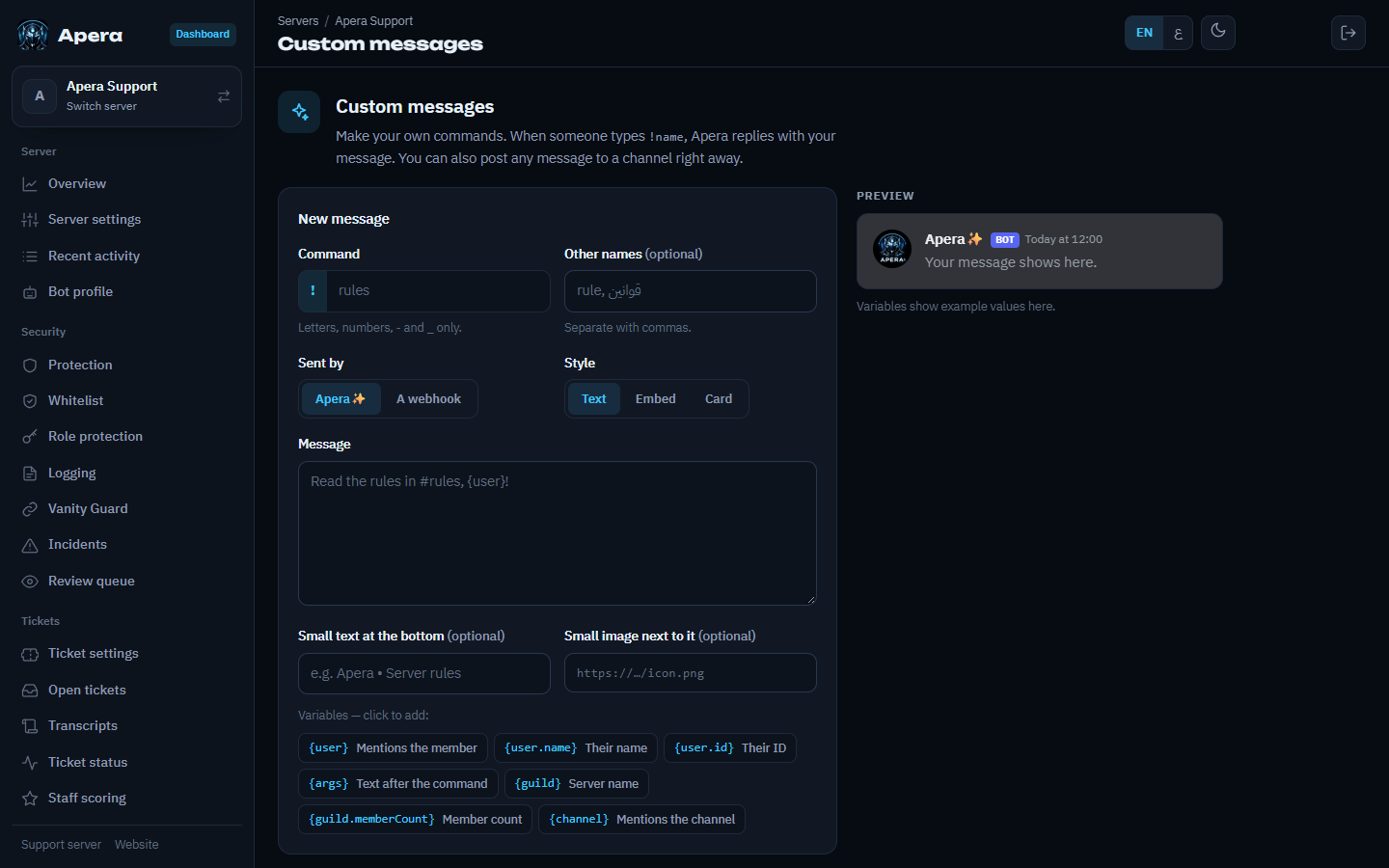
On Custom messages, give the message a name (members run it as !name), then build it: title, text, a big image, a small thumbnail, and a small footer line with its own little icon — the preview shows exactly how Discord will display it. Press Post to send it to a channel now.
Variables: {user}, {mention}, {name}, {guild}, {channel}, {args} (whatever was typed after the command).
Still have a question about this?