
Protection (anti-nuke & anti-raid)
Stop staff or bots that go rogue, then undo what they did.
How it works
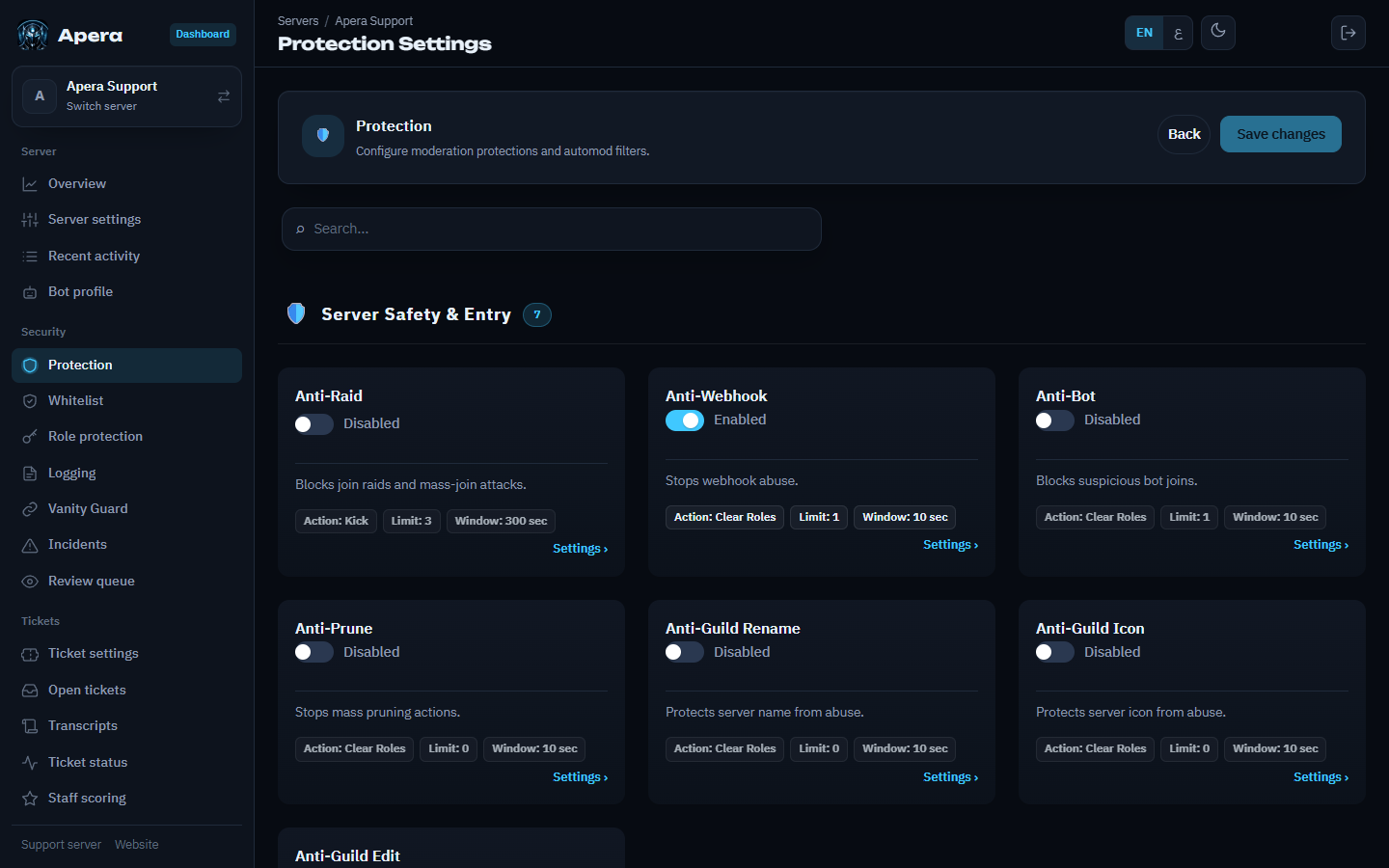
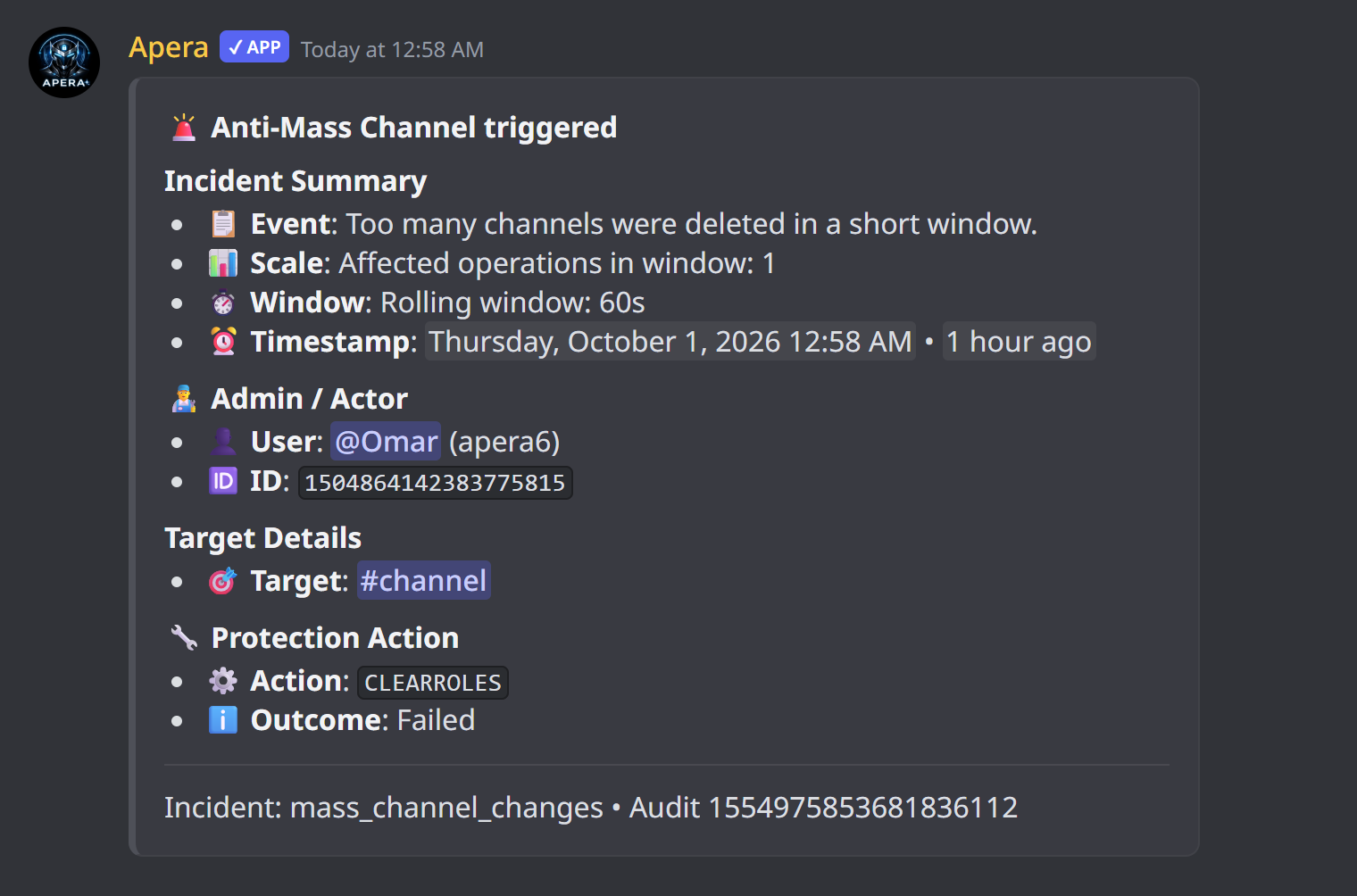
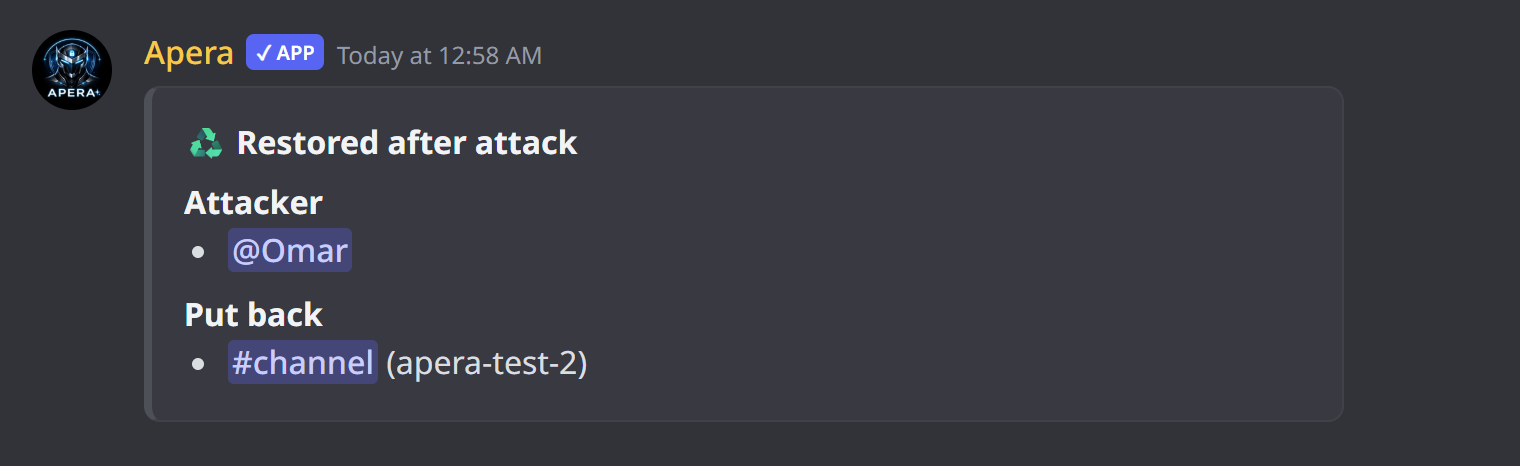
Each protection watches one kind of action. When someone does too many of them too fast — say, deletes 3 channels in 10 seconds — Apera punishes them, logs an incident and then undoes the damage: deleted channels and roles come back with their permissions and position, and channels or roles they spammed are deleted. Everything starts off; you turn on what you need on the Protection page.
What each protection watches
- Mass channel / role changes — creating or deleting many channels or roles.
- Mass ban / kick / prune — a moderator removing lots of members.
- Anti-bot — someone adding a bot you didn’t approve.
- Anti-webhook — webhooks created to spam.
- Role, channel and server edits — permission changes, renames, icon changes; Apera reverts them.
- Dangerous role perms / role add — giving Administrator or other powerful permissions.
- Emoji, sticker and invite deletes.
- Anti-raid — many new accounts joining at once.
Set one up
- Open the dashboard → Protection.
- Switch the protection on.
- Set the limit (how many actions) and the time window (in how many seconds).
- Pick the punishment: remove roles, jail, timeout, kick, ban, or a custom mix.
- Press Save. Add your trusted staff to the whitelist so they aren’t punished for normal work.
A good start: channel and role delete limit 3 in 10 seconds with Remove roles, ban and kick limit 3 in 10 seconds, and anti-bot on.
What Apera can’t do
- It can’t punish the server owner or anyone whose role is above Apera’s — keep Apera’s role at the top.
- It can’t bring back messages inside a deleted channel; the channel returns empty.
- Administrators can’t be timed out (a Discord rule) — use Remove roles or Ban for them.
Still have a question about this?