
Backups & restore
Save everything — order, permissions, members’ roles — and put it back in one command.
What a backup saves
- Every role: name, color, icon, permissions, and the order. Also @everyone’s permissions.
- Every channel and category: name, topic, slowmode, NSFW, voice settings, the order and every permission override.
- Members’ roles and nicknames.
- Bans, emojis (with their images) and server settings: name, icon, banner, AFK and system channels, verification level.
Make a backup
/backup create name:before-event saves the server now. /backup list shows your backups and /backup info shows what one contains.
For automatic backups: /backup auto enabled:True every:Every day keep:7. Turning it on makes the first backup straight away.
Restore
- Run
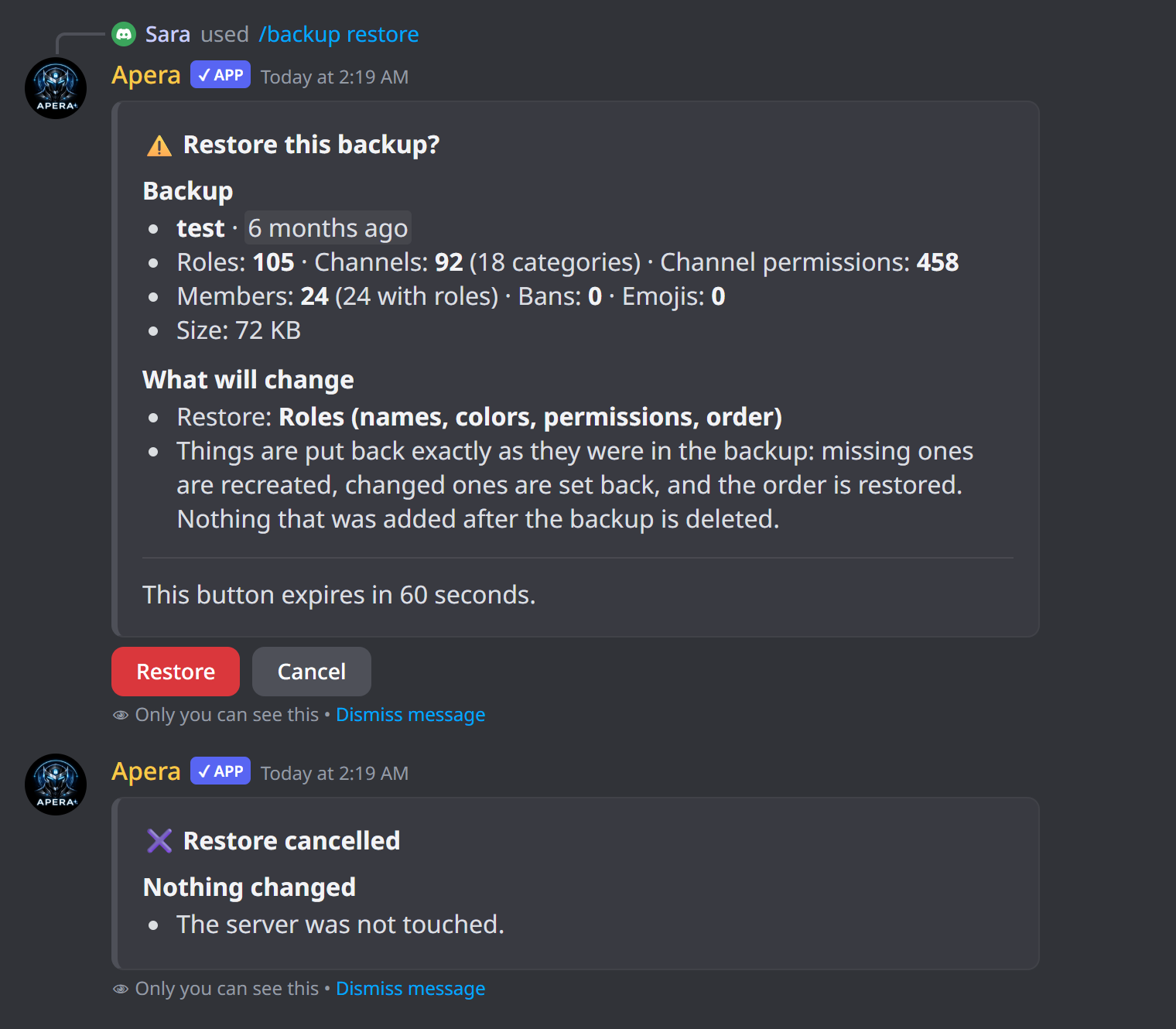
/backup restore name:latest(or pick a backup). - Optionally choose a scope: roles, channels, channel permissions only, members, emojis, bans or server settings.
- Read the summary and press Restore.
- Apera shows progress and then exactly what it changed.
Restore only changes what differs: missing things are recreated, changed things are set back, and the order is restored. Things added after the backup are kept, and running a restore twice creates no duplicates.
Auto-restore after an attack
With /backup auto auto_restore:True restore_what:Channels and roles, when a protection catches an attacker Apera also restores from the latest backup. It only gives roles back to members — it never takes any away.
Who can restore
Only the server owner and people on the full whitelist can restore, delete backups or change automatic backup settings. Keep Apera’s role at the top so it can restore every role and member.
Still have a question about this?